Loading…
About this offer
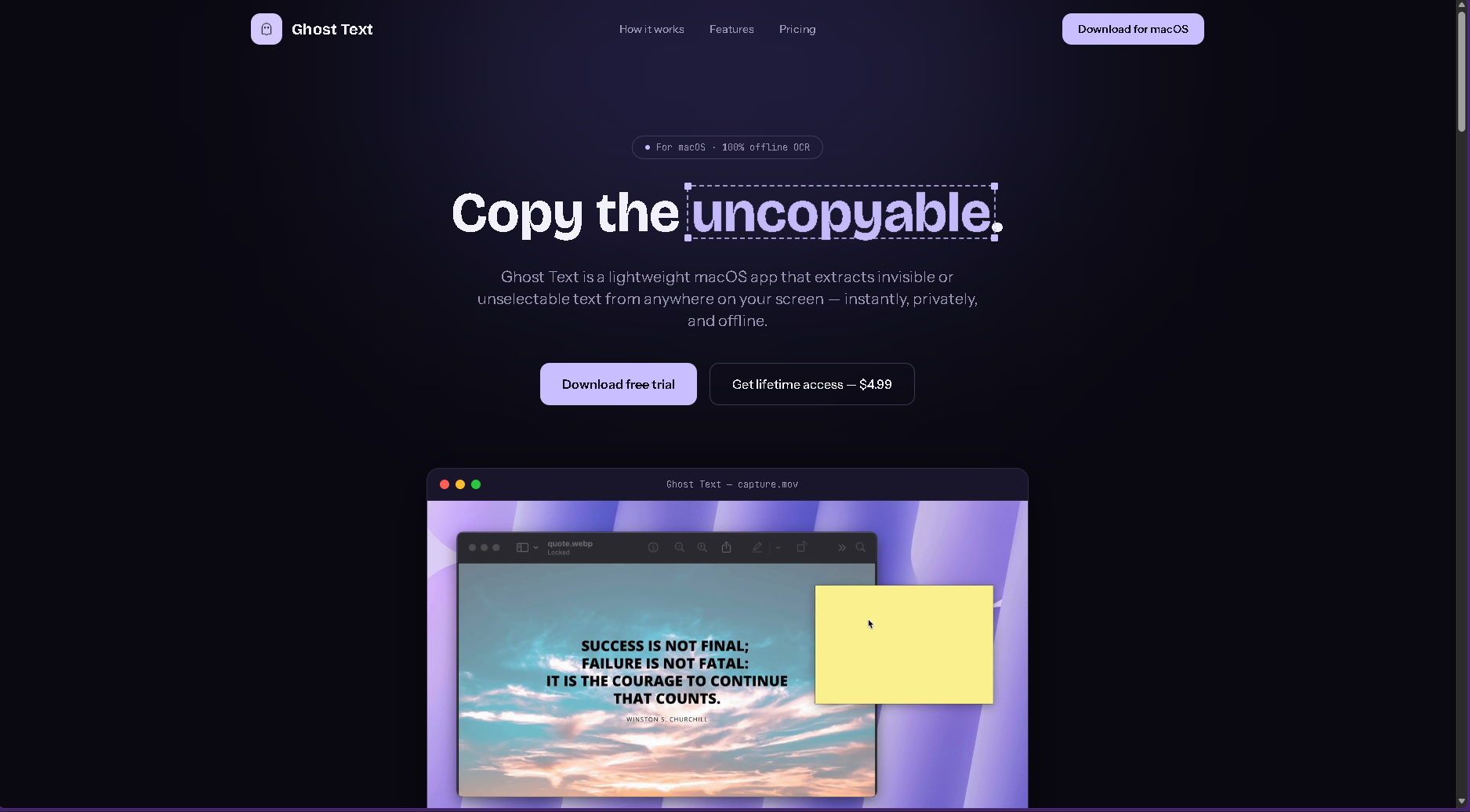
Mac users regularly encounter text they can't select or copy — inside images, videos, remote desktops, apps, websites, PDFs, or other interfaces where normal text selection doesn't work. Getting that text into the clipboard usually requires screenshots, OCR tools, or manually retyping it. GhostText solves this with a simple keyboard shortcut: users select an area of their screen, and the app extracts the visible text and puts it directly on the clipboard. It runs locally and works offline, with a one-time $4.99 purchase rather than a subscription. The target users are Mac users who frequently work with information across different applications, particularly developers, researchers, students, analysts, and other knowledge workers. I want to learn which situations cause people the most frustration when copying text, how often they encounter unelectable text, and which users would pay for a lightweight utility that solves this problem instantly.
More like this
See all in Developer tools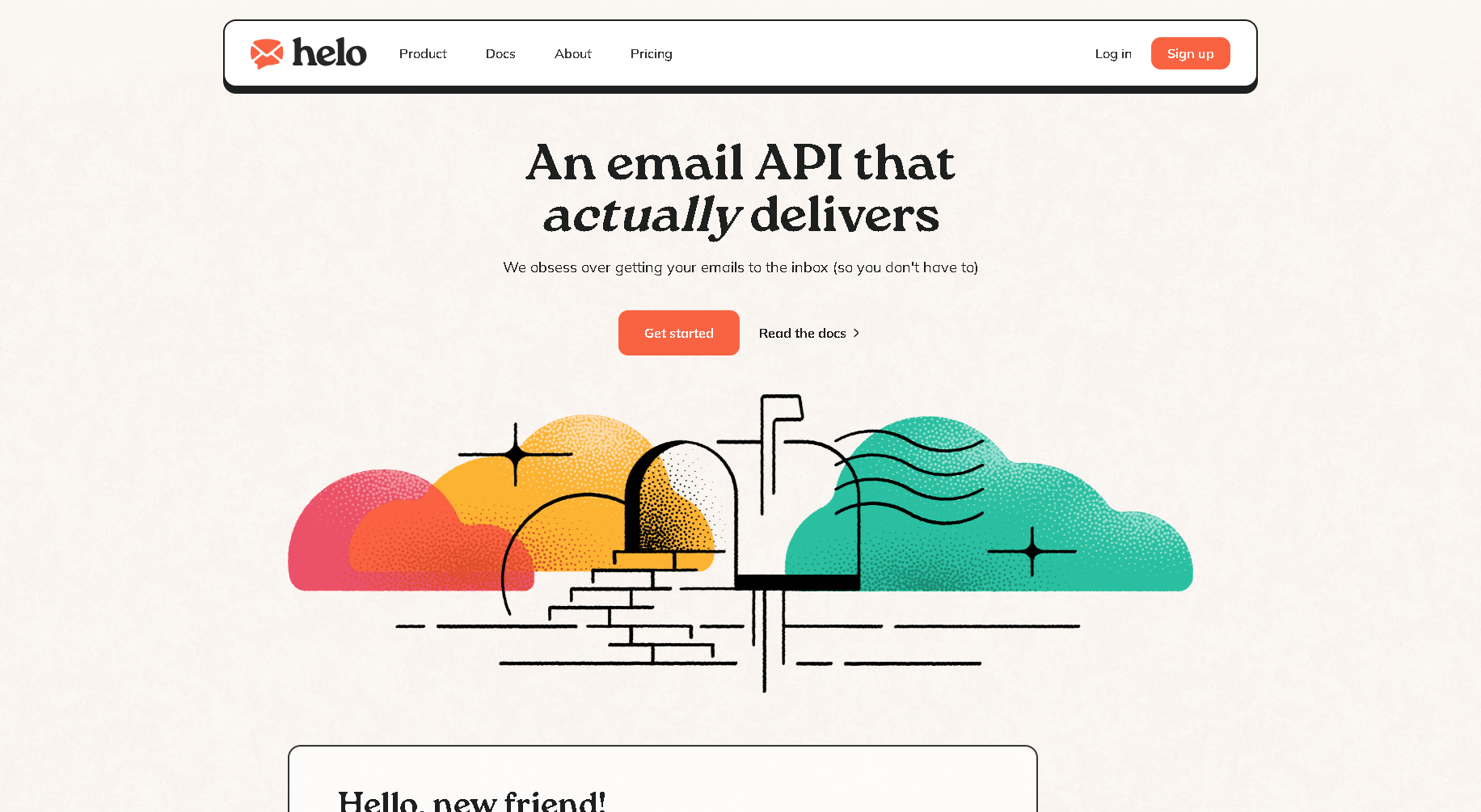
Offer4h ago
Helo: An Email API and SMTP That Gets to the Inbox
Helo is an email API and SMTP service for sending your product's emails, built by a lean, independent team with years of experience in email delivery. Their focus is getting your emails into the inbox so you don't have to think about it. You can start sending in minutes and only pay for what you use.
Worldwide
MZMuhammad ZahidPay as you go
Offer4h ago
Ledge: Runnable Markdown Notes for Developers and DevOps
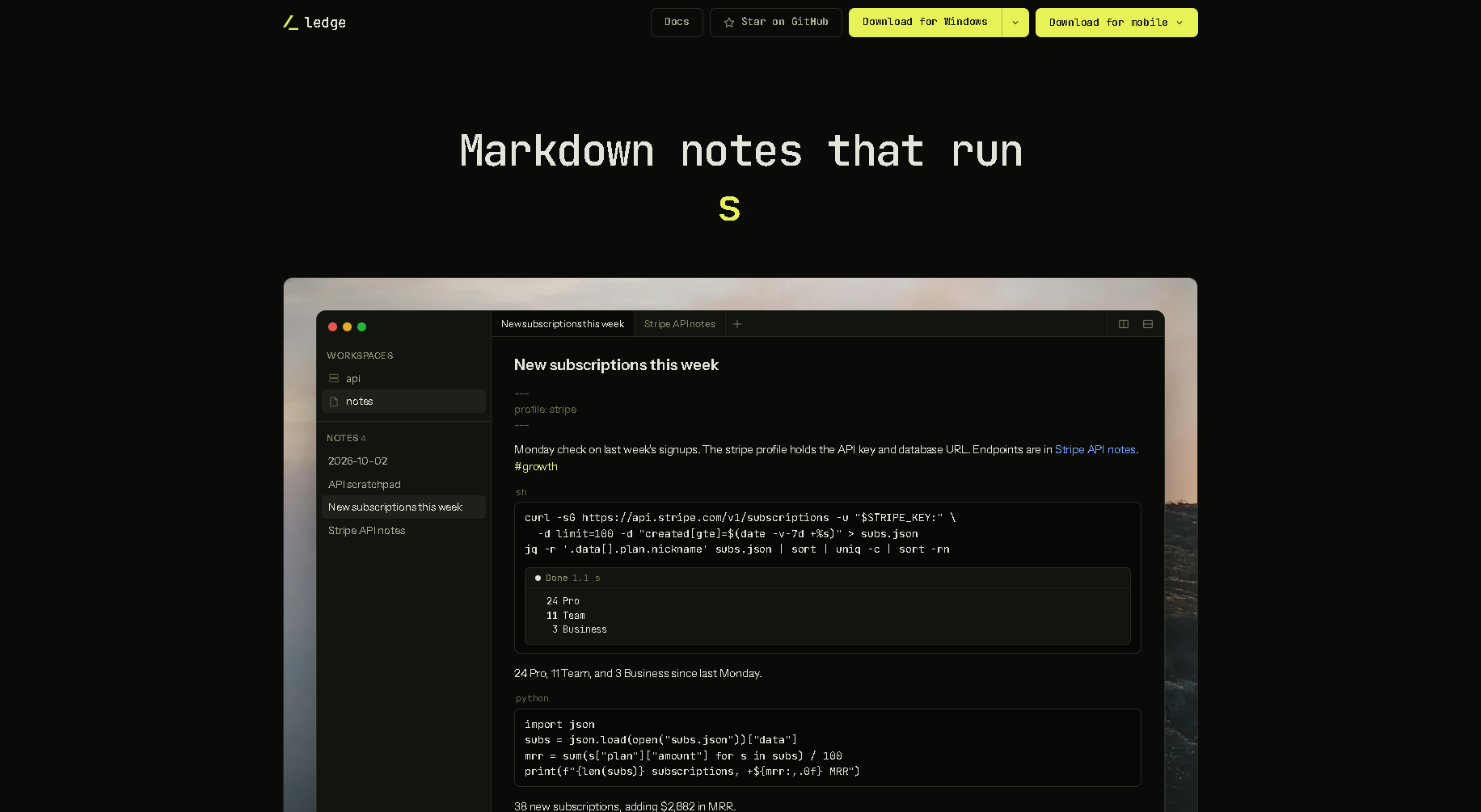
Ledge is a Markdown notes app where the code blocks run. Write a shell command, code, a SQL query or an AI prompt in a note, run it in place, and the output streams in right beneath it, so your notes double as working runbooks. Notes live in workspaces with profiles for keys and database URLs, which makes it handy for API scratchpads, weekly checks and operations notes. It is free and open source, for Mac, Linux, Windows, iPhone and Android.
Worldwide
MZMuhammad ZahidFree, open source
Offer4h ago
rhun: A Small, Fast Code Editor Written in Assembly
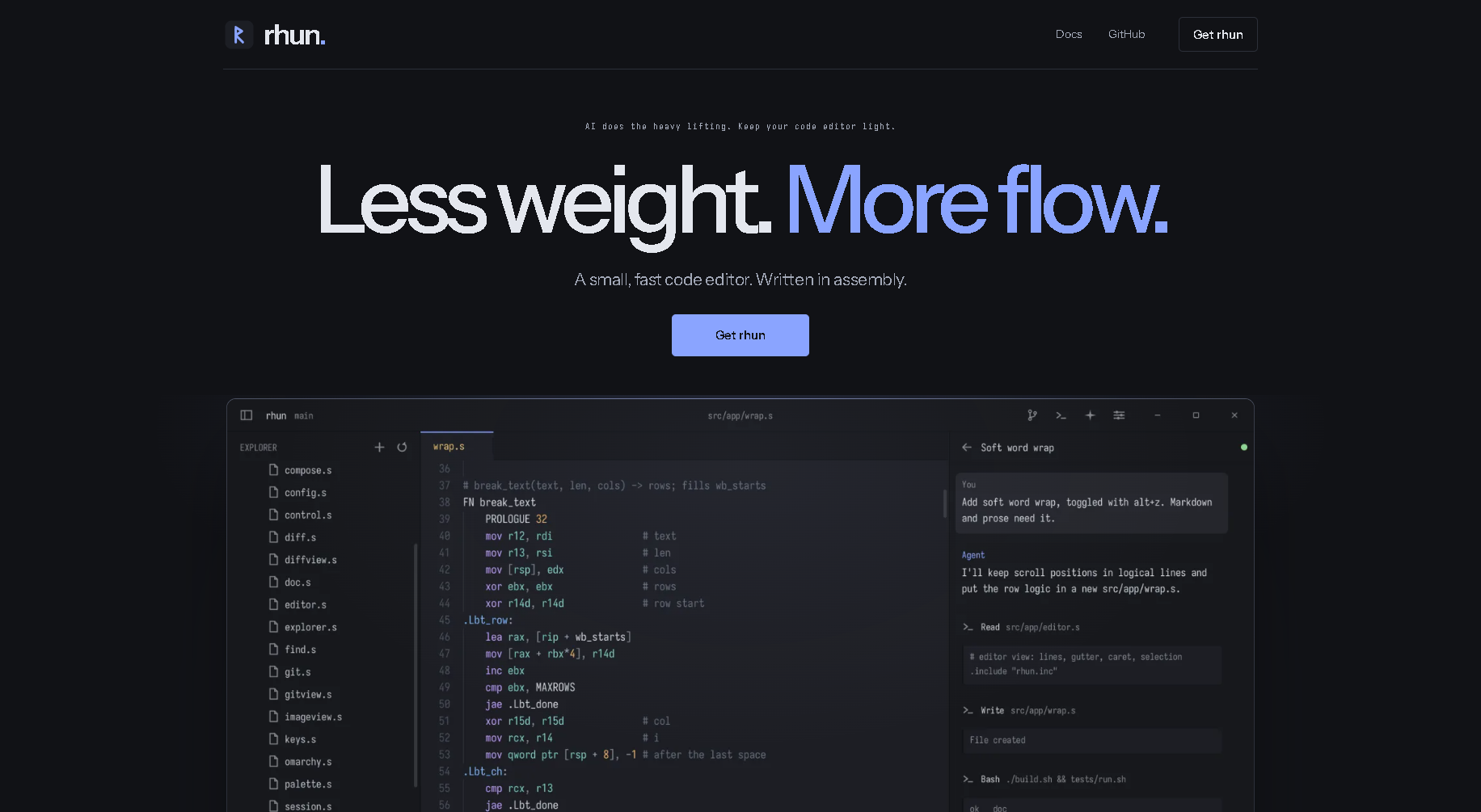
rhun is a lightweight code editor for Windows, Linux and macOS, written in assembly so it stays small and fast while AI does the heavy lifting elsewhere. It includes tabs, syntax highlighting, fuzzy search, an optional Vim mode, a terminal, Git, agents and themes. It is open source under the MIT licence and installs with one command.
Worldwide
MZMuhammad ZahidFree, open source

Offer4h ago
Breadcrumb: Local Memory and Context for Your AI on Mac
Breadcrumb is an AI plugin for developers on the Mac. It remembers your screens, meetings and AI sessions so your assistant has the context it needs, and gives you control over AI rules, shortcuts and scopes. Everything stays on your Mac, encrypted, with no account. It connects to AI tools over MCP and is free.
Worldwide
MZMuhammad ZahidFree
Offer8h ago
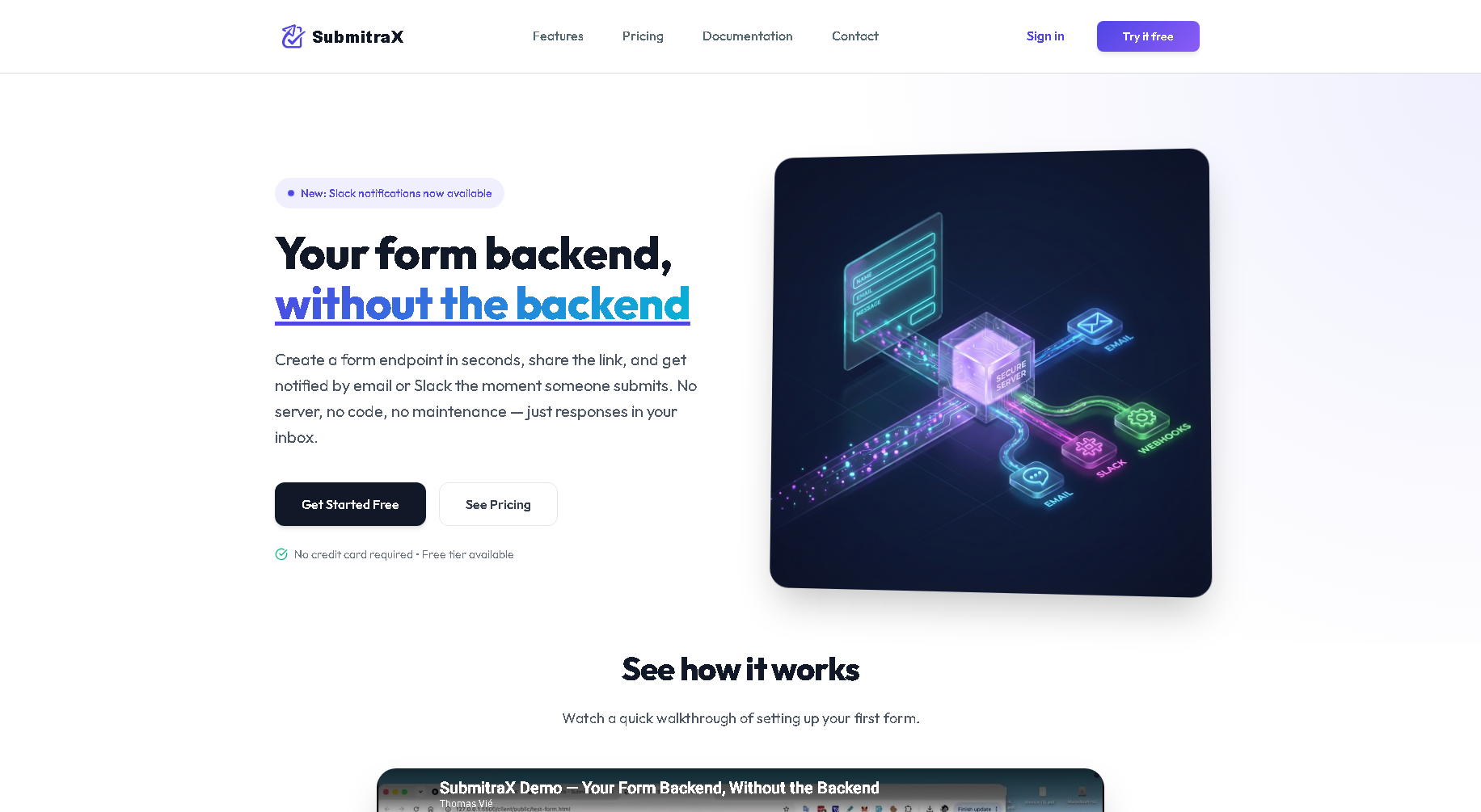
SubmitraX: A Form Backend Without the Backend
SubmitraX lets you collect form submissions without writing or running a server. Create a form endpoint in seconds, point your form at it, and get notified by email or Slack the moment someone submits. It is built for designers, small teams and anyone who needs responses without touching a backend, with built-in honeypot spam protection and integrations. Setup takes under five minutes, with a free tier and no credit card required.
Worldwide
MZMuhammad ZahidFree tier; paid plans available
Offer8h ago
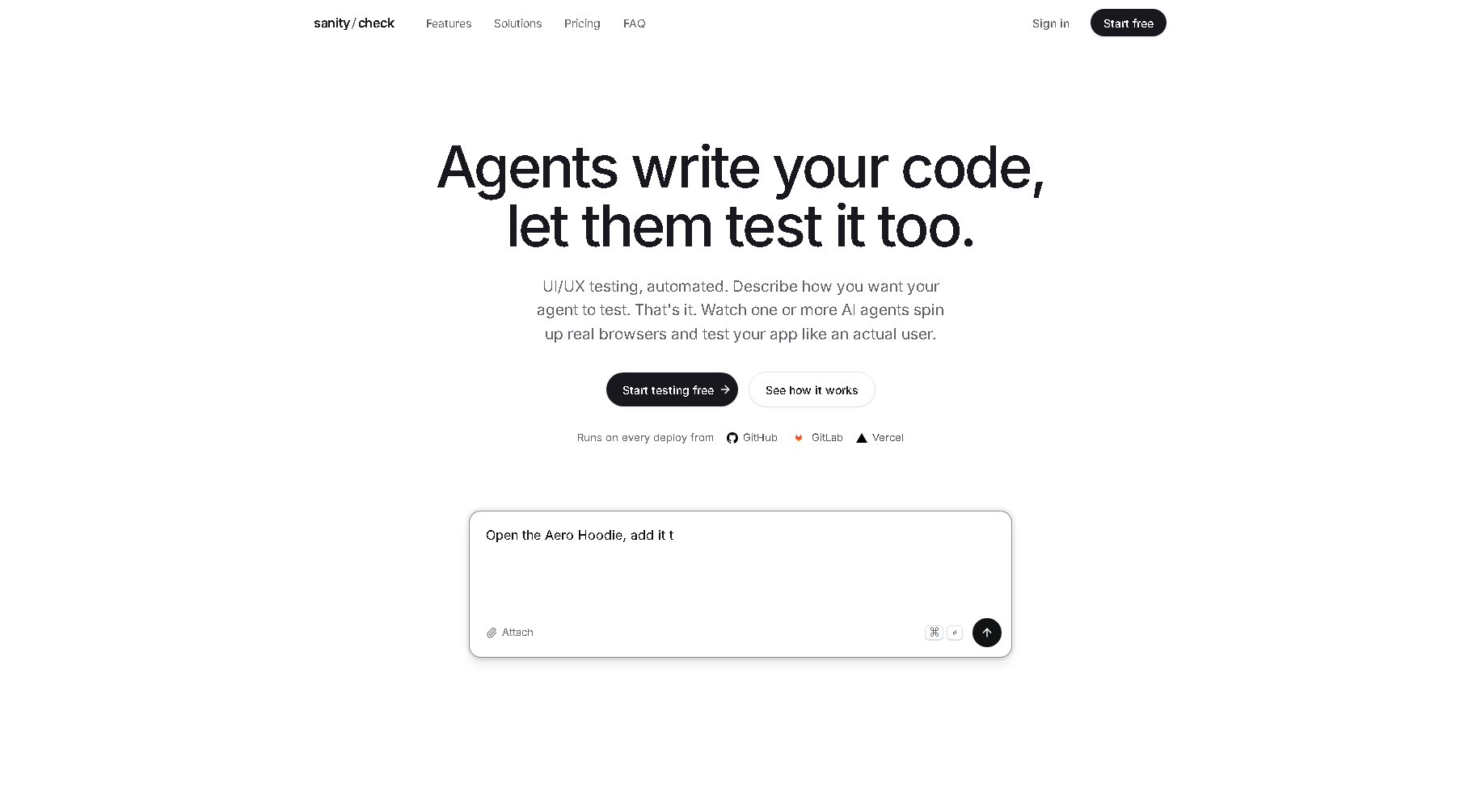
SanityCheck: AI Agents That QA-Test Your Web App
SanityCheck automates UI and UX testing with AI agents. Add a URL, describe the test in a sentence or two, and the agents open real browsers and test your app like an actual user: for example adding an item to the cart, checking out and verifying the order confirmation. You can watch tests live and replay every click, with no SDK, CI config or test framework to set up. Tests can run automatically on every deploy from GitHub, GitLab or Vercel, and there is a free tier.
Worldwide
MZMuhammad ZahidFree; paid from $29/mo